Hermes Agent OS: Build a Mission Control Dashboard to Run All Your AI Agents 24/7
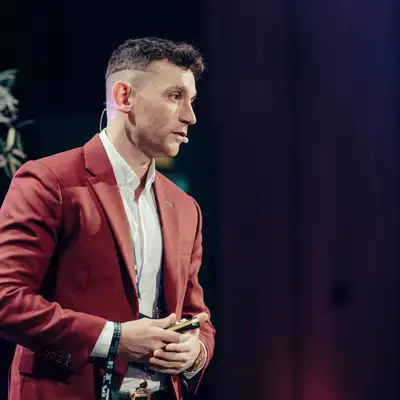
The episode introduces Hermes Agent OS and shows how to build a single “mission control” dashboard to run multiple AI agents together with shared memory, sessions, skills, and a Kanban workflow. The presenter demos a workspace that previews AI-generated apps, plays back created videos, manages images, text-to-speech, podcasts, and integrates tools like NotebookLM, an SEO system that can deploy content across five websites, and a knowledge base that stores persistent notes and context. Viewers are advised to ask Hermes to generate and locally host the dashboard, iterating daily rather than using the terminal, and to connect additional agents (Claude, OpenClaw, Gemini, Codex) into one system. Q&A covers e-commerce automations using Grok 4.3 and Shopify CLI, starting with one agent and one automation per week, local security precautions, Noose Portal APIs, Codex cloud access, Tailscale for VPS connections, and an Obsidian transcript-to-notes automation success story.
00:00 Hermes Agent OS Launch
00:19 Mission Control Vision
01:32 Tour of Agent Workspace
02:48 Swarms and Shared Memory
03:35 Build Your Own Dashboard
04:23 Why Not the Terminal
04:59 Connect Other Agents and APIs
06:22 Community Questions Begin
07:37 Ecommerce Automation Setup
10:18 Real Estate VA Strategy
11:29 Grok vs ChatGPT
12:20 Security and Local Control
12:50 Onboarding and Noose Portal
14:27 Codex Cloud and VPS Access
15:51 Best Prompting Skill Workflow
16:53 Automation Win With Obsidian
18:08 Wrap Up and Boardroom Access
19:02 Final Thanks and Goodbye